When needing to update your account information we have on file with you, the first step is to determine what you are needing to update.
- Account Owner – This is the main account profile that holds the account contact information for the owner of the account.
- User – Each person that has access to our Client Portal is considered a User. If you are the main User, you are assigned additional privileges, including managing the Account Owner.
- Contact – These are parties that for whatever reason you need them to be retained as a contact, and possibly be assigned email preferences. This is often used for Billing departments that need emails related to invoicing.
I’m the Main User and need to update the Account Owner and My Log In Information.
Once logged in to our Client Area, go to the top right, where your name and organization name will show and click on the drop down.
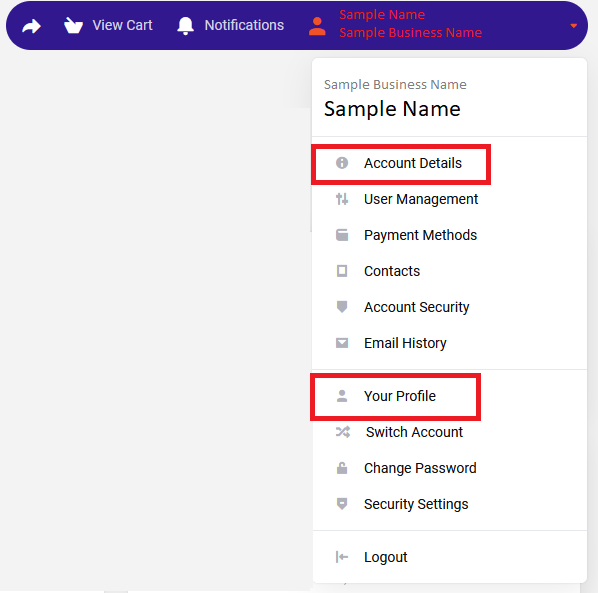
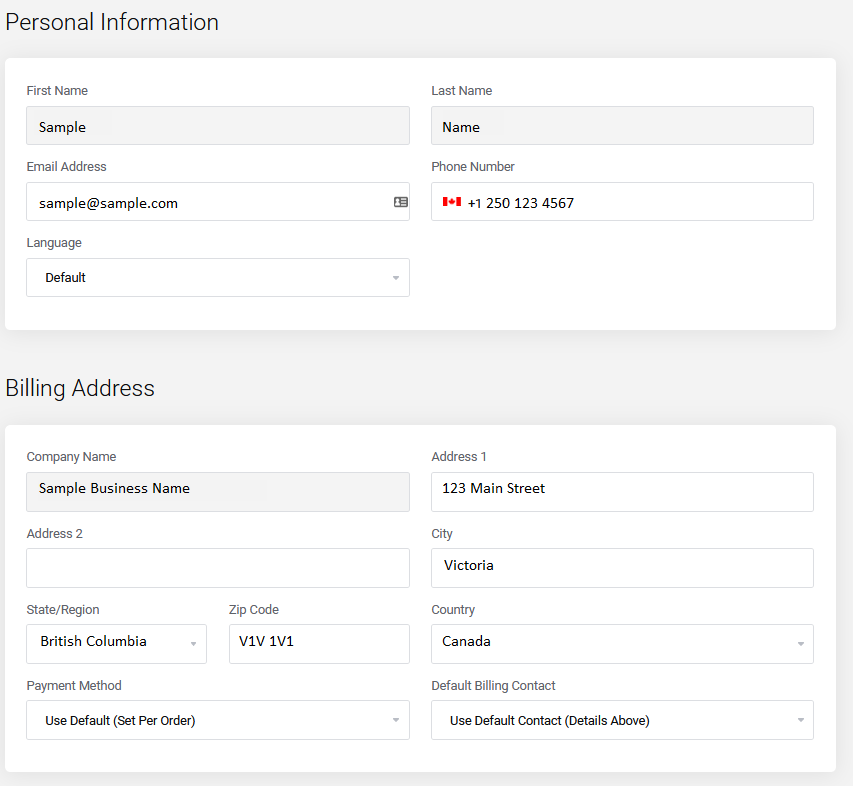
- To access the main Account Owner information – select Account Details. A new screen opens. All information can be updated there. If you need to change the name or organization name, those fields are greyed out and please contact Client Support to make that change.
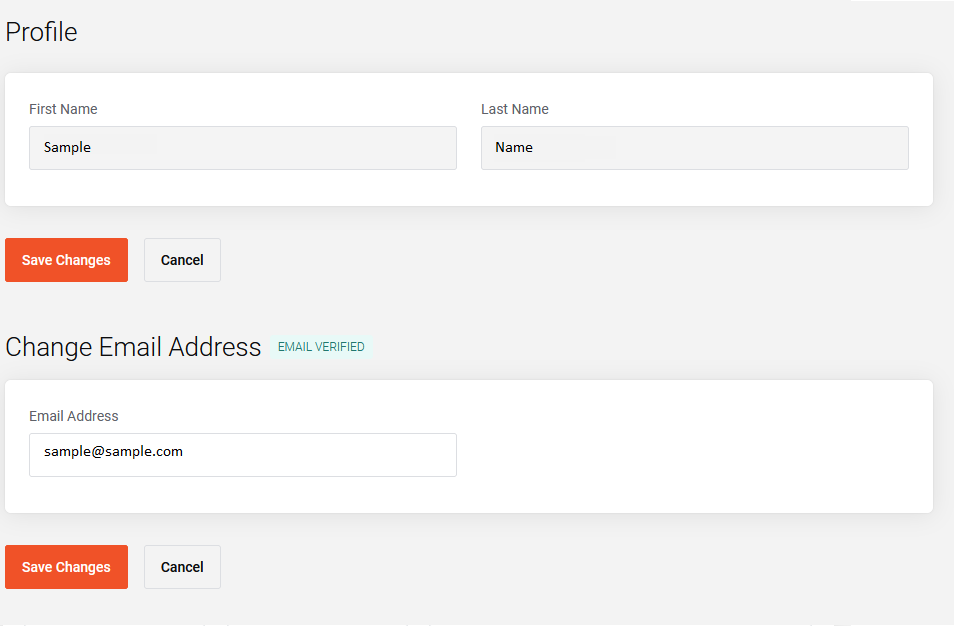
- To update your log in information – select Your Profile. You can change the email address there to log in. Again, if you need to change the name associated with this log in account, contact Client Support.
If you need to make changes to any other log in, contact, please see this article.
For all other Users, if they need to update their email address, please direct them to this article in how to change their email address.
You can also choose to instead invite a new User with the new email address.
Account Details Page View
Your Profile Page View