If you are looking to set up a new Contact or User, please review this knowledgebase article
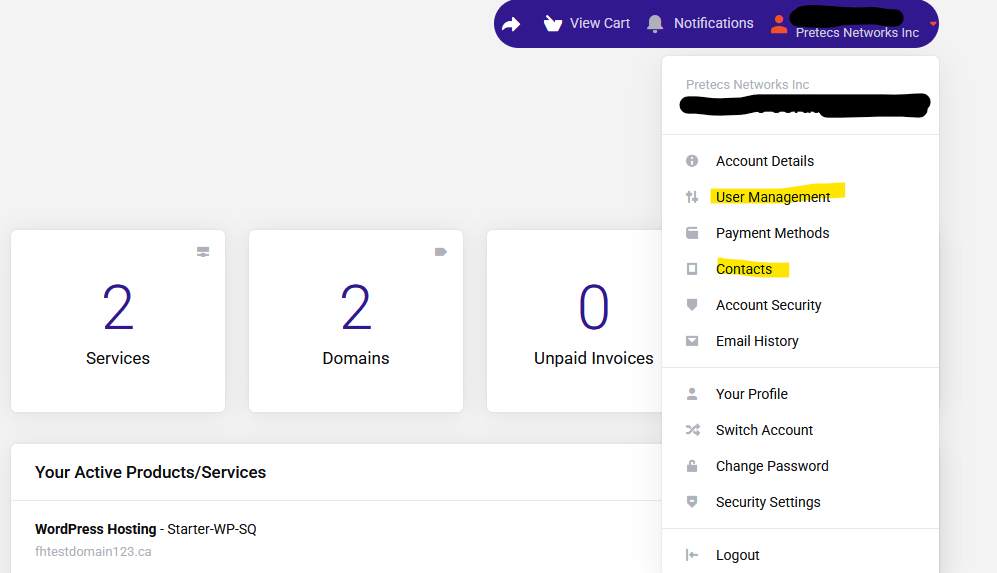
To manage your Users and Contacts, log in to your Client Account and go to the top right menu.
Depending if they are a User, Contact, or both, select the relevant option:
User Management
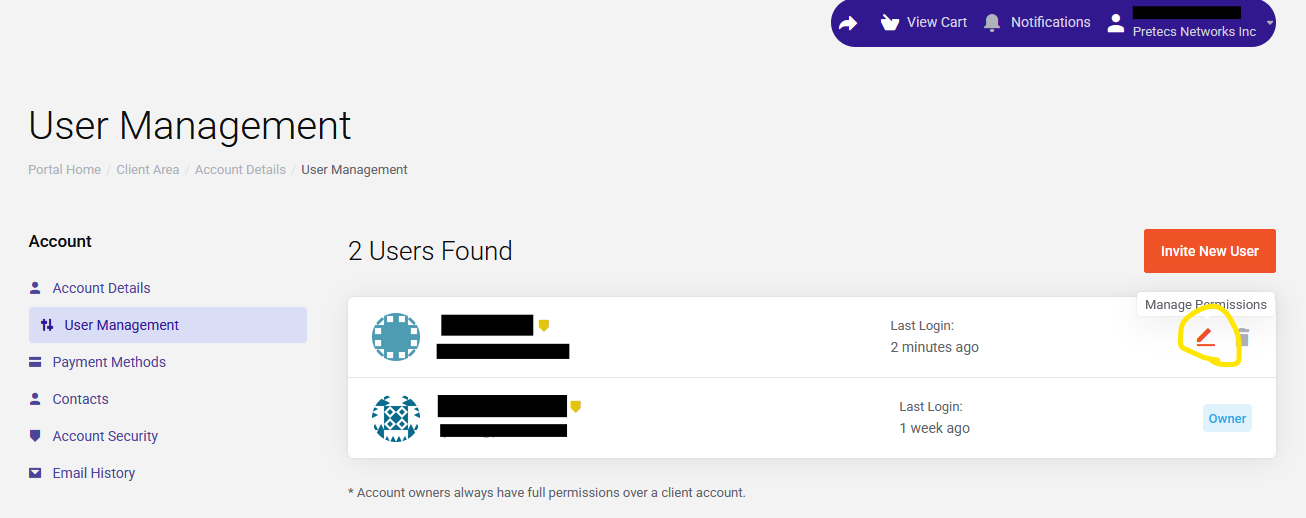
See a screenshot of the user management area below.
In the user management menu, each user will be listed. There is a pencil icon that links to the permission management form, and a garbage can icon for deleting the user. See below.
Contact Management
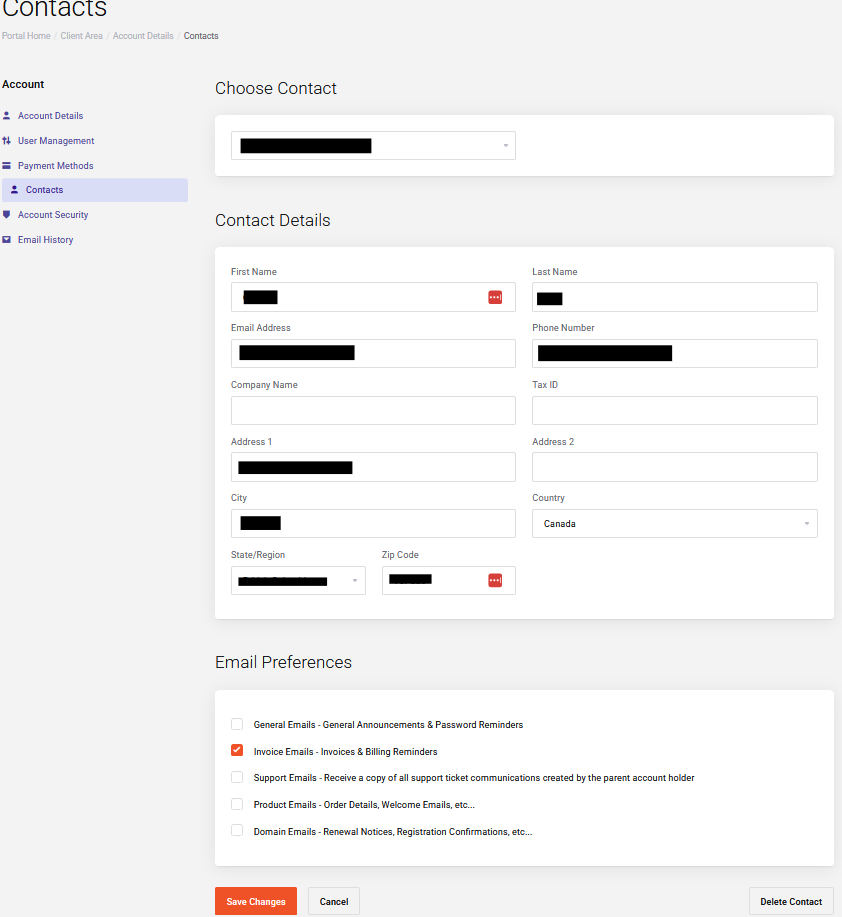
See the screenshots of the contact management area below.
For a Contact, select the desired contact from the drop down menu shown underneath the "Choose Contact" heading.
After selecting the contact, the form under the "Contact Details" heading will appear. This will let you modify their information as well as the email categories they will receive.