
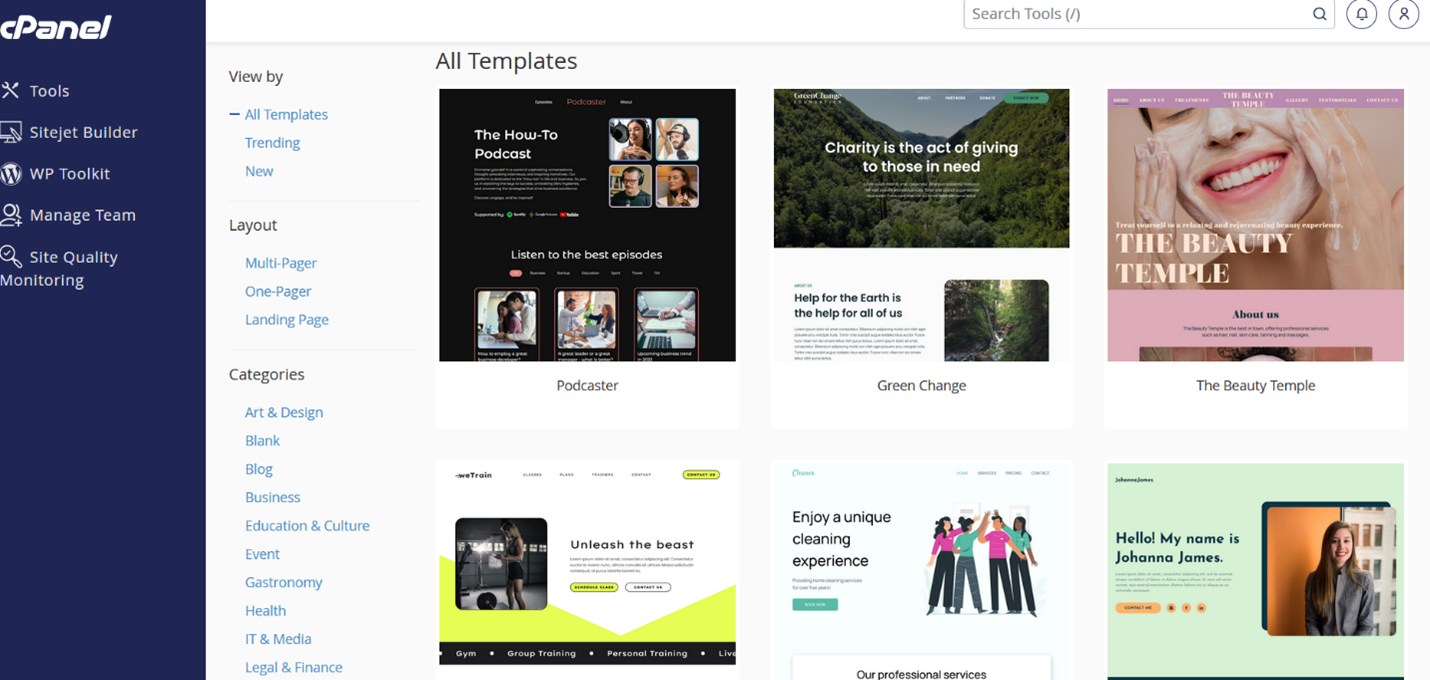
The Choose Template interface within Sitejet Builder allows you to select a pre-designed template as a starting point for your website.
Features of the interface:
- Template Categories: Browse through various categories like Business, Portfolio, Photography, Blog, etc. to find relevant templates.
- Template Previews: Hover over each template to see a quick preview of its design and layout.
- Desktop & Mobile Views: Some previews even show how the template adapts to different screen sizes.
- "Choose" Button: Once you find a suitable template, click "Choose" to add it to your website project.
Points to Note
- Consider your website's purpose and content type when choosing a template.
- You can explore different categories and previews to find the best fit.
- Remember, most templates are highly customizable, so you can still personalize the design after choosing one.
Once you have selected a template, the system will redirect you to the Sitejet Website Builder.
