SiteJet Builder is a no-code-required editor, but that isn't to say you can't make changes to the code.
No-Code Editor: What You See Is What You Get
Sitejet has a “What You See Is What You Get” (WYSIWYG) editor in the middle portion of the screen. When an element is double-clicked in the editor, a panel on the left side of the screen will provide its customization options. Hovering your cursor over an element will reveal a puzzle piece icon, which leads to the preferences. The default settings window will open if you click on it.
You may view the context menu by right-clicking an element. Editing, cutting, copying, pasting, adding and removing objects, and other operations are available.
Code Editor
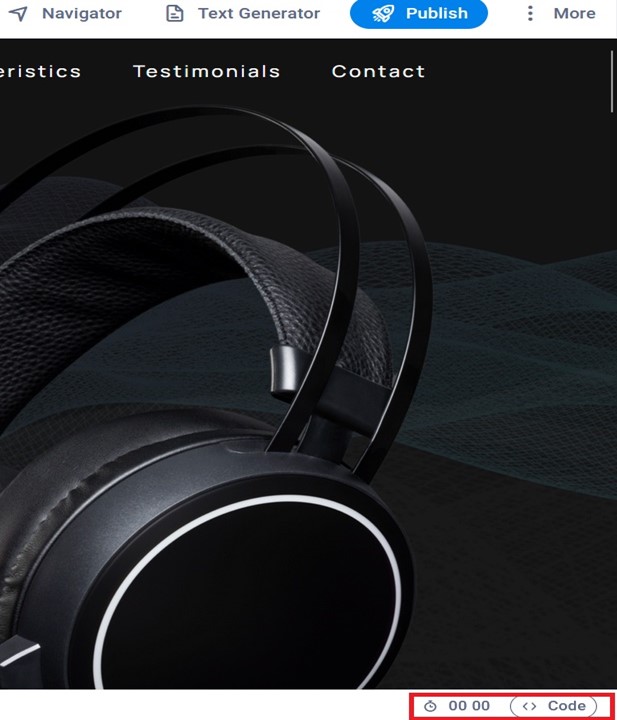
On the bottom right side, there is a timer that tells how long you've been in the CMS this session. The code button, located next to the timer, provides access to the website's code, which includes CSS, JavaScript, and HTML. Here, you may examine or change the project code, including predefined code, or create your own.