This is in the domain details area for your website. To get here, start at your dashboard, then to the right of the website in question, there is a monitor-and-gear icon - clicking on this will bring you to the domain details area.
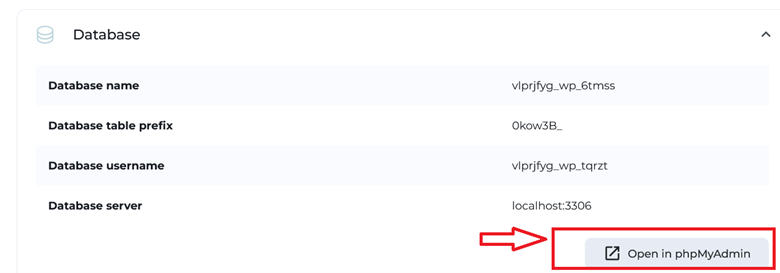
The Database information of the website will be displayed in the "Advanced" tab under the “Database” drop-down panel.
Here it displays the information about the database name, database user, database table prefix and database server.
You may also open phpMyAdmin here, which is an administrative tool for mSQL databases. The button to open phpMyAdmin is highlighted below.